

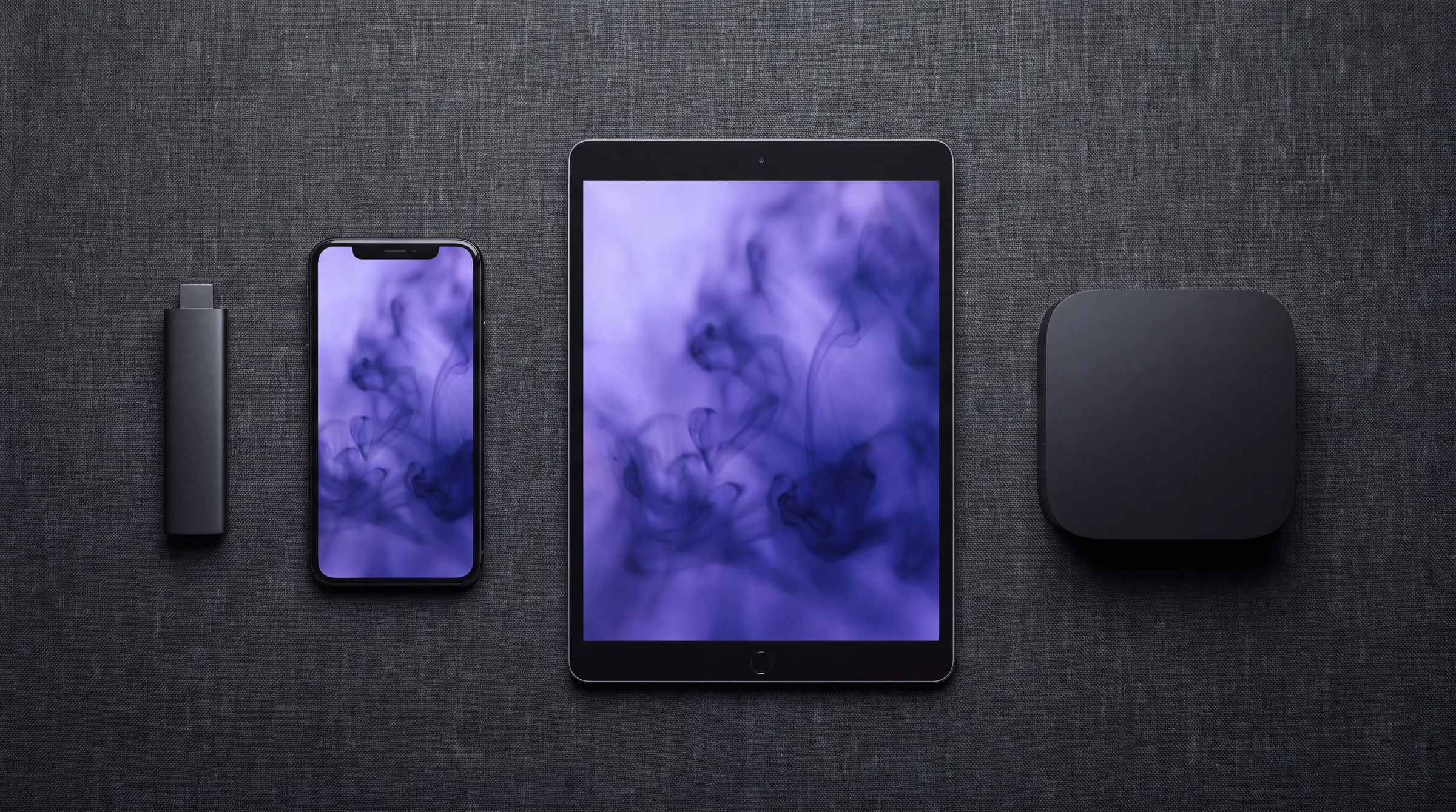
IPTV on every device.
One catalogue, many screens. Start with the device you actually sit in front of. Each guide below sticks to store-first installs and skips the shady APK carnival.
01
Pick a screen
02
Before you install
Have your plan active and your login ready. Update the device OS. Connect to the Wi-Fi you will actually use for 4K, not the guest network with a captive portal.
If you are on Gloam, the dashboard holds the device-friendly credentials. If a stranger asks you to “test their panel,” that is not setup help.
03
Apps vs sticks
Smart TV stores are uneven. Tizen and webOS can block or bury players that Firestick and Apple TV install in a minute. A $30 stick often beats an hour of TV firmware archaeology.
See also supported devices for the product view of the same problem.
04
FAQ
What is the easiest device for IPTV?
Fire TV Stick and Android TV boxes are the most documented. Apple TV is clean if your app is on the App Store. Some Samsung and LG models are limited by their store policies; an HDMI stick is often less pain.
Do I need to sideload?
Only when the store path does not exist. Prefer official stores. If a guide opens with random APK mirrors, leave.
Where do I put my playlist or Xtream codes?
Inside the player app after install. Gloam customers use the credentials from the dashboard. Never paste them into a public Discord “setup help” channel.
Start watching on Gloam
47,000+ live channels, plans from $13.99/mo. Cancel anytime from your account.
Last reviewed 2026-07-09. Prices and laws change; check the cited sources before you decide.