

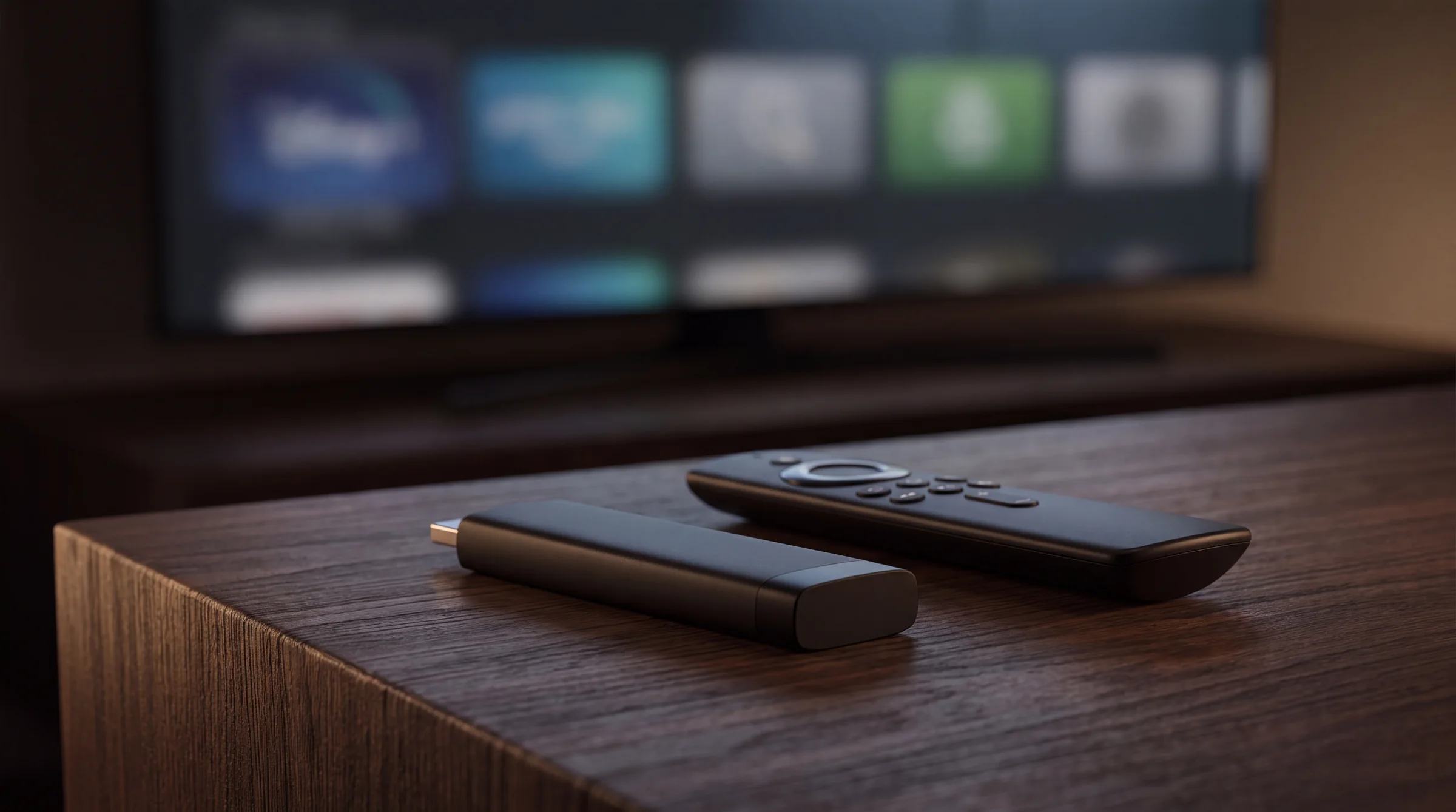
IPTV on Firestick.
Fire TV Stick is still the default living-room box for a lot of cord-cutters. Install from the Appstore when the player is there. Use Downloader only when it is not. Never from a random APK blog.
01
Before you start
Update Fire TV OS. Connect to the Wi-Fi you will stream on. Have your provider username, password, and server URL (or M3U link) ready. On Gloam, that lives under the dashboard subscription panel.
If a YouTube video tells you to disable security and install from a shortened link, stop. That is how people get malware with their football.
02
Appstore path
- 01
Open the Amazon Appstore
From the Fire TV home row, open Appstore and search for your player (TiviMate, IPTV Smarters Pro, or the app your provider names).
- 02
Install and open
Install, then launch. Grant storage or network prompts the first time. You want the player on the home row for later.
- 03
Skip any in-app "free playlist" upsells
You already have a provider. You are here to log in, not to browse mystery packs.
03
Downloader path
Use this only when the Appstore does not list your player.
- 01
Install Downloader from the Appstore
Search "Downloader" by AFTVnews. That is the common, documented tool. Install it from Amazon, not from a forum binary.
- 02
Allow apps from unknown sources for Downloader
Settings → My Fire TV → Developer options (or Apps → manage permissions, depending on OS build). Enable for Downloader only.
- 03
Enter the official package URL
Use the URL your provider or the app vendor publishes. Avoid URL shorteners and "IPTV APK 2026" dump sites.
- 04
Install, then open the player
When the package finishes, open the player from Your Apps. You can disable unknown sources again afterward.
04
Sign in
In the player, choose Xtream Codes Login or M3U playlist. Paste the server URL, username, and password exactly. Load EPG if the app asks. Give it a minute on first sync.
More on TiviMate and Smarters in their own guides once those pages are live. Until then, the setup hub and Help cover the common errors.
05
FAQ
Do I need Downloader to install IPTV on Firestick?
Only if the player is not in the Amazon Appstore for your region. Try the store first. Downloader is the common sideload tool when the store path is missing.
Is sideloading on Firestick legal?
Sideloading an app is a device feature. The legality question is still about the streams you play inside the app. See the IPTV legality guide for that line.
Why is my Firestick buffering on IPTV?
Weak Wi-Fi is the usual cause. Move closer to the router, use 5 GHz, or Ethernet via adapter. Clear the player cache, then check our troubleshooting guide if it continues.
Which IPTV app should I use on Firestick?
TiviMate and IPTV Smarters Pro are the two most common. Use the official listing or the vendor's documented package. Skip random APK mirror sites.
Start watching on Gloam
47,000+ live channels, plans from $13.99/mo. Cancel anytime from your account.
Last reviewed 2026-07-09. Prices and laws change; check the cited sources before you decide.