

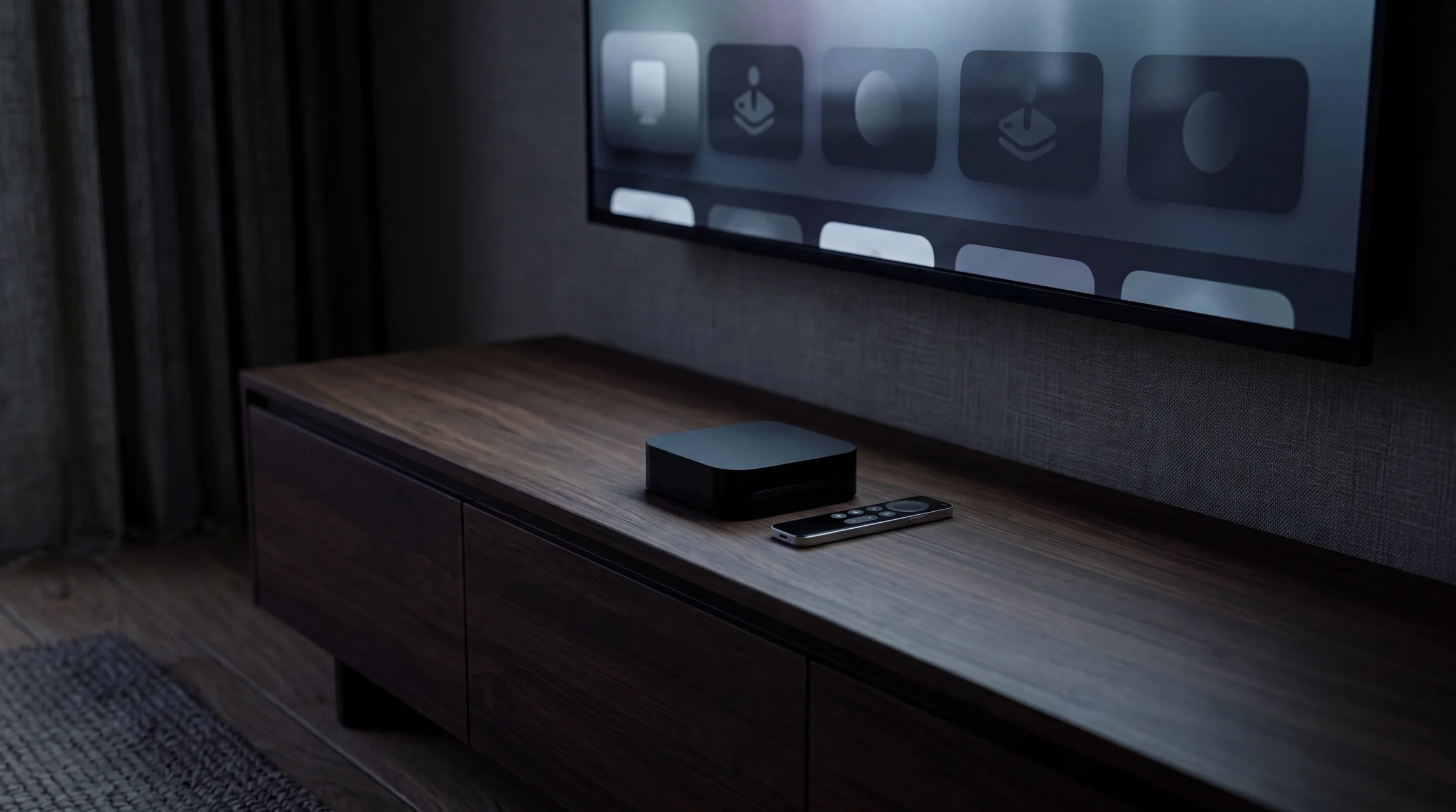
IPTV on Apple TV.
Apple TV handles IPTV cleanly because the hardware decoder is fast and the App Store has several tested options. No sideloading, no unknown sources toggle. Everything installs the normal way.
01
Before you start.
Update tvOS. Settings → System → Software Updates. Running an old tvOS build is the most common cause of app compatibility problems on Apple TV.
Have your provider credentials ready: server URL, username, and password for Xtream Codes, or your M3U playlist URL. On Gloam, these live in the dashboard subscription panel. You will be typing on the Apple TV remote, so have them on your phone first.
If you have an iPhone, open Apple TV Remote in Control Center during setup. You can use it as a keyboard for entering long URLs. Much easier than hunting letters with the Siri Remote.
02
App Store install.
- 01
Open the App Store
From Apple TV home screen, open the App Store. Search for "GSE Smart IPTV" or "IPTV Smarters Pro". Both are legitimate apps with tvOS builds.
- 02
Install the app
Select and install. You may need to authenticate with your Apple ID. The install is fast; the apps are not large.
- 03
Open the app
Launch from your apps library. It will ask how you want to add a playlist on first launch. Choose Xtream Codes or M3U URL depending on what your provider gives you.
03
Sign in with Xtream or M3U.
- 01
Choose login method
Xtream Codes: enter the server URL (e.g. http://yourprovider.com:8080), username, and password. M3U: paste the full playlist URL. Both work the same after this step.
- 02
Wait for the channel list to load
First load can take 30-90 seconds depending on how many channels your plan includes. Do not quit the app during this.
- 03
Browse to a live channel and test
Open a channel you know should work. If it plays within 10 seconds, the connection is good. If it spins forever, double-check the credentials.
04
Load EPG.
Without EPG, the guide grid is empty. In GSE Smart IPTV, go to Playlist & Schedule → your playlist → XMLTV EPG URL. Paste the EPG URL from your provider. Allow 3-5 minutes for the guide to populate.
In Smarters, if you used Xtream login, EPG may load automatically. If not, check Settings → EPG and add the URL manually.
For more detail on how EPG works and how to fix common issues, see the EPG explainer.
05
AirPlay from iPhone.
If you prefer watching on your iPhone with the stream mirrored to Apple TV, open your iOS IPTV app, start a channel, and tap the AirPlay icon. Select your Apple TV. The stream appears on the bigger screen.
AirPlay works but uses your iPhone's battery and keeps the phone involved. Installing directly on Apple TV is cleaner for daily use. For occasional use (like moving from room to room), AirPlay is fine.
06
FAQ
Which IPTV app should I use on Apple TV?
GSE Smart IPTV and IPTV Smarters Pro are both on the tvOS App Store. GSE has a more polished remote interface. Smarters is good if you already use it on other devices. Both support Xtream Codes and M3U.
Can I use TiviMate on Apple TV?
No. TiviMate is Android-only. It is not available on tvOS. For Apple TV, use GSE Smart IPTV, IPTV Smarters Pro, or another App Store player.
Does IPTV work via AirPlay on Apple TV?
You can AirPlay from an iPhone or Mac running an IPTV player app, and the stream will appear on Apple TV. It is functional but adds a step. Installing directly on Apple TV is more reliable.
Why does my IPTV app crash on Apple TV?
Try force-quitting and reopening. If it persists, check for an app update in the App Store. On tvOS 17+, some older IPTV apps need updating for API compatibility. Reinstalling usually fixes persistent crashes.
Is there a way to get TiviMate-style EPG on Apple TV?
GSE Smart IPTV has a multi-panel EPG view that works similarly to TiviMate on the Apple TV remote. Set the EPG URL in the app settings and it loads a 7-day grid.
Start watching on Gloam
47,000+ live channels, plans from $13.99/mo. Cancel anytime from your account.
Last reviewed 2026-07-09. Prices and laws change; check the cited sources before you decide.